You know that moment when you can see a piece in your head but can’t quite get it on a draft? There are ways to get a quick visual without spending hours sketching.
With AI jewelry tools like JewelAI and OpenArt you can try shapes, settings, and stones. There are other options too, that give quick images or actual 3D files for CAD.
The designs won’t be production-ready, you’ll still adjust and polish. But AI gives a fast, clear starting point. Keep reading to see options that help in different ways.
What Are AI Jewelry Design Tools?
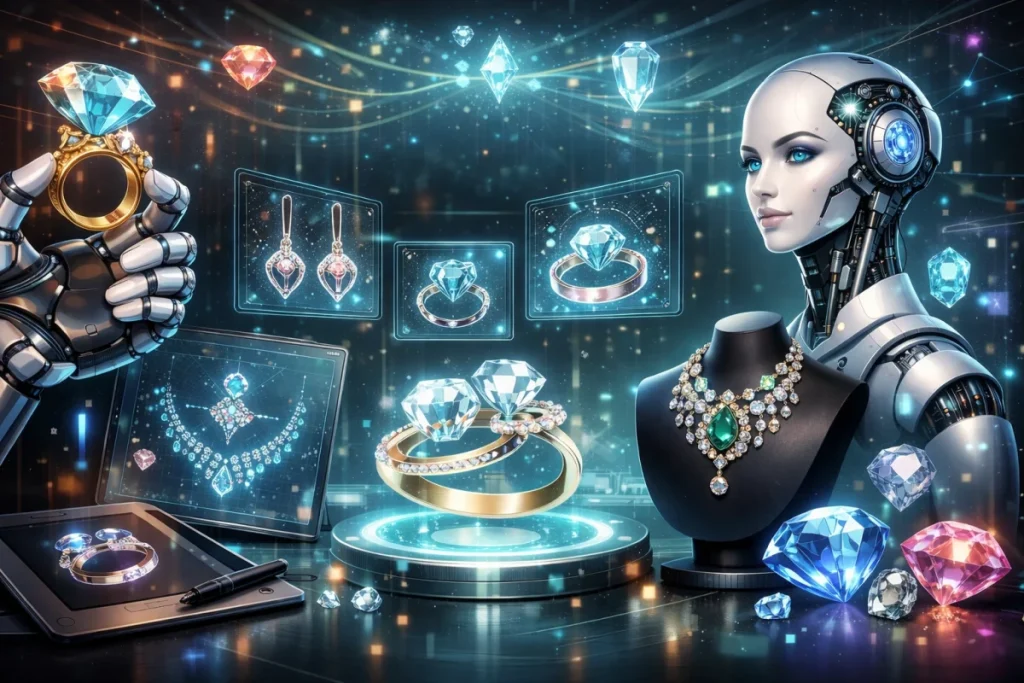
AI jewelry design tools are software that help you generate jewelry design ideas using artificial intelligence. You can use text prompts or reference images to quickly get concept designs instead of starting from scratch.
They’re mostly used for early-stage ideation and style exploration. Most tools create 2D concept images, and some can produce rough 3D shapes, but nothing production-ready.
They don’t replace jewelry CAD software. They come before it. You use them to find a direction, then rebuild the real design properly in CAD.
For the most part, these tools are about speed and inspiration. They help you explore more ideas faster, but they’re not final design or manufacturing tools.
Practical Uses of AI in Jewelry Design
One of the most useful things about AI is how much it can give you from almost nothing.
You can get 16+ jewelry design concepts in about five minutes from a single prompt- even with non-specialized tools like Midjourney, which changes how the early design stage feels.
Instead of slowly building one idea and hoping it works, you can throw a bunch of directions on the table at once and react to what looks right.
You start seeing patterns, styles, and shapes that are worth chasing, and you drop the rest. In real use, people lean on AI to:
- Lay out several design directions from one idea
- Play with styles, settings, stones, and proportions
- Push a concept around by tweaking the prompt
- Make quick visuals for client discussions
- Shake loose ideas they wouldn’t normally sketch
Right now, AI fits best at the very start of the process, when you’re trying to figure out what the piece should even be before you start building it for real. As technology evolves, exploring the best ai patent tools of 2026 will become crucial for innovators looking to gain a competitive edge. These tools will not only streamline the patent application process but also enhance the quality of inventions by providing insights that were previously unavailable. Staying updated with these advancements will be essential for anyone involved in intellectual property development. Utilizing top ai tools for t shirt design can generate unique concepts and visualizations that inspire creativity. These tools help streamline the initial brainstorming phase, allowing designers to explore a myriad of styles and themes quickly. By incorporating AI, you can also stay ahead of trends, ensuring your designs resonate with current consumer interests.
Best AI Jewelry Design Tools
Here’s the main list.
1. OpenArt
If what you want is fast jewelry ideas, OpenArt is hard to beat. You just type what you’re thinking, like “rose gold ring with a marquise diamond,” and you get pictures. It runs on a few different image models, the free tier lets you generate as much as you want, and the paid side is there if you want better quality. It’s used for ideas, mood boards, and sometimes even marketing images.
2. Fotor AI Jewelry Design Generator
Fotor’s tool is the “don’t make me think” version of the same idea. You open it, type a prompt, and you get jewelry images. You can burn through a lot of styles really fast. It’s simple and it’s not technical, and that’s kind of the point. It’s there for quick brainstorming and early exploration.
3. Leonardo Realtime Canvas
This Canvas is more like sketching than using an AI tool. You can draw rough shapes and it’ll turn them into more finished-looking images as you go. It’s great for messing around with shapes and layouts when you don’t know what you want. You’ll still get images out of it, which makes it a good fit for early idea work.
4. Dzine.ai
Dzine is what you use when you want your ideas to start looking a bit more serious. You can feed it sketches or prompts and get cleaner, more presentable jewelry visuals back. It can also export vectors and some 3D-ready stuff, which already puts it ahead of most image generators. A lot of people use it to show clients a direction before opening Rhino or Matrix.
5. Vizcom.ai
Vizcom does one thing really well, despite not having specialized jewelry design features. You sketch something rough and it turns it into a nice render. That’s it. It’s very good for cleaning up an idea and making it look like something you can actually show to someone.
6. Meshy.ai
Meshy is where things start getting a bit more 3D. It can generate actual meshes from text or images. For jewelry, this is mostly useful for rough shapes and early form experiments. The results usually need a lot of fixing before they’re usable, and it still works well as a kind of 3D sketchbook.
7. ZoeDepth
ZoeDepth is more of a helper tool. It takes a flat image and turns it into a depth map, which you can then bring into 3D or CAD software. People mostly use it to turn AI images or photos into reliefs or textures. It helps when you’re trying to pull some shape out of an image.
8. Autodesk’s Project Bernini
Project Bernini is more about where things are going than what you use every day. Autodesk is experimenting with AI that helps generate shapes inside CAD. You guide it instead of modeling everything from scratch. It gives a pretty clear sign of what future CAD is going to look like.
9. Rhinoceros 3D (Rhino)
If jewelry is actually going to be made, it usually ends up in Rhino- it has specialized tools for jewelers. On top of that, it’s proper CAD, it’s precise, and it’s what people use to build models that can be printed or cast.
10. ZBrush
ZBrush is for when you want to sculpt instead of model. It’s used a lot for organic shapes, decorative details, and anything that would be a pain to do in normal CAD. In jewelry, people often sculpt in ZBrush and then clean things up for printing or CAD. It’s incredibly powerful, and it still takes real work to get something production-ready.
11. CAD/CAM Jewelry Systems (MatrixGold, etc.)
Matrix and similar systems are basically Rhino with jewelry tools built in. Stone setting tools, ring builders, manufacturing checks, all that stuff. These are what real shops use to go from idea to print to casting. They focus on making things that actually fit and can be made.
12. BLNG Creative Suite for Jewelers
BLNG is more on the ideas and presentation side. It mixes AI design ideas, renders, and marketing visuals in one place. It’s useful when you’re trying to show or sell ideas and when you’re building up presentations. Most people use it alongside Rhino or Matrix in their workflow.
How to Choose the Best AI Jewelry Design Tool
2D concepts are great for exploring looks. 3D shapes give a sense of form, even if they’re rough. How the tool reads text prompts or reference images shows how much control you have.
As a serious designer, you want tools that let you:
- Work one idea in different directions
- Change small details without losing the design
- Line up outputs for easy comparison
- Carry concepts into CAD
The best AI jewelry design tool will give you outputs that help you see what the piece could be.
Common Problems With AI-Generated Jewelry Designs
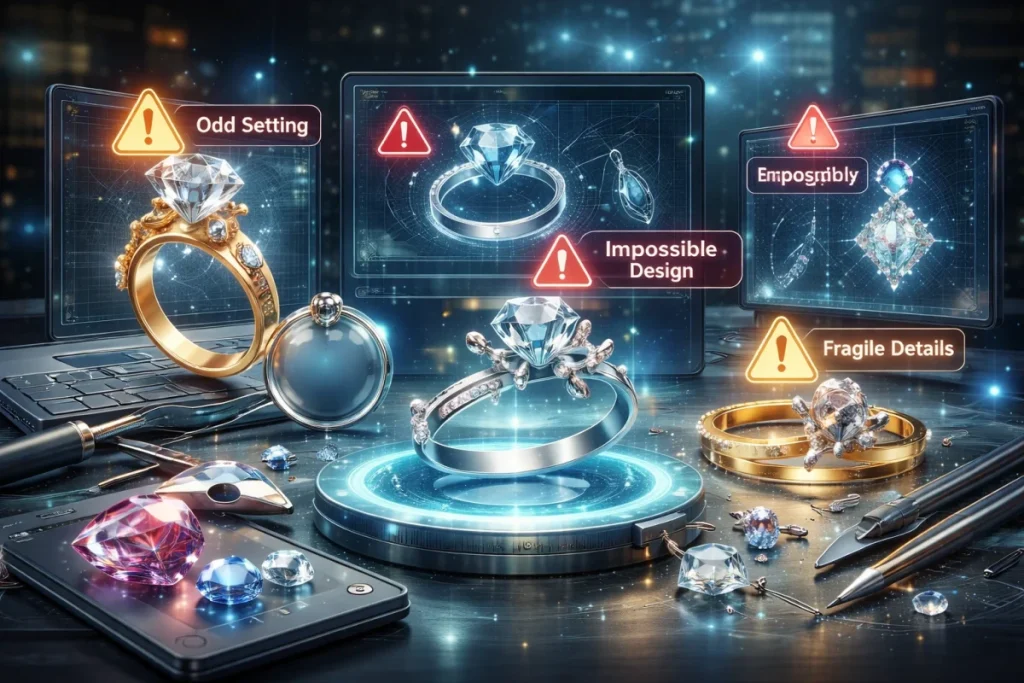
AI can produce a lot of design ideas quickly, but it’s never going to come together at the start.
Any details like prongs, stones, or band thickness won’t always match what can actually be made, so each design needs checking.
That makes it hard to keep designs consistent. Rings or pendants meant to go together can end up looking different, which makes choosing a direction more difficult.
In 3D, the limits are clearer. Text-to-3D models often come out low-resolution and require cleanup before they can be used in CAD or for manufacturing.
AI also works from patterns it has seen before. Even when a shape looks good, making something truly unique still depends on a designer refining it.
At the end of the day, the output shows you what could work and what won’t, so every design needs review and adjustment before it becomes a real piece.
FAQs
1. Can you copyright AI-generated jewelry designs?
In the U.S., AI alone can’t get copyright. Law only covers work made by a human. Other places may differ, but most still need some human input. Designers usually tweak the AI output to make it count.
2. Can AI jewelry designs be made?
AI can make designs that look done, but the files often need fixes. Shapes or sizes might be off. Designers adjust things so the design can actually be built.
3. How accurate are AI jewelry designs?
AI gets the look and shape pretty well. Small details might be wrong, so a designer usually steps in to make it work in real life.
4. Can AI replace CAD software?
CAD handles the precise modeling and measurements. AI helps show ideas and styles fast, but things don’t end there- most designers start with AI, then move to CAD to actually finish the design.
5. Are there AI tools for stones and settings?
Yes. Some let you see how stones and settings fit in a design. It’s handy for testing options or planning custom pieces.
6. What file formats do AI tools export?
Most give images for review. Some make 3D files like OBJ, STL, or GLTF for CAD. These carry the shape and structure for building the piece.
Final Thoughts
The piece isn’t made by AI jewelry design alone, but the paths will get mapped out. Those tools help to see ideas fast and test materials or shapes before a start is made. As a result, reaching the production stage will come with more options and less trial-and-error. This keeps a design process creative and clear.